|
<< Click to Display Table of Contents >> Version 4.37 |
  
|
|
<< Click to Display Table of Contents >> Version 4.37 |
|
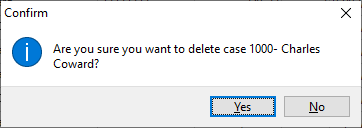
1. Added Delete confirmation and Audit logging when deleting a branch case
In order to avoid accidental delete of Branch cases, a confirmation prompt was added to the functionality. Secondly, an audit event is logged to be able to track this action.
2. Revised reminder display and navigation
The existing implementation of the Reminder display and navigation had the potential of causing program errors. The mechanism of displaying and navigating reminders was revised. The original notification of "Due reminders" remained the same.
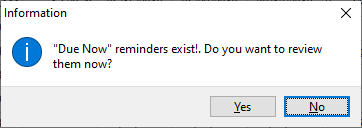
Selecting "Yes" to the prompt will take the user to the listing of reminders as before.
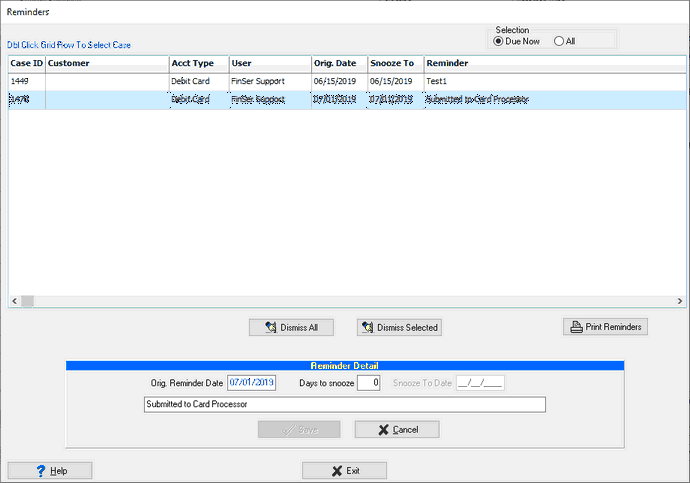
Double-clicking a reminder will now locate the case in the inventory grid just like the "Search across all case types" option does. The Reminder is no longer dismissed when it is being selected in the grid. It can either be dismissed via the "Dismiss Selected" button or later on edited in the case.
Inside the case, event that have reminders are now pointed out with icons on the left side of the grid.
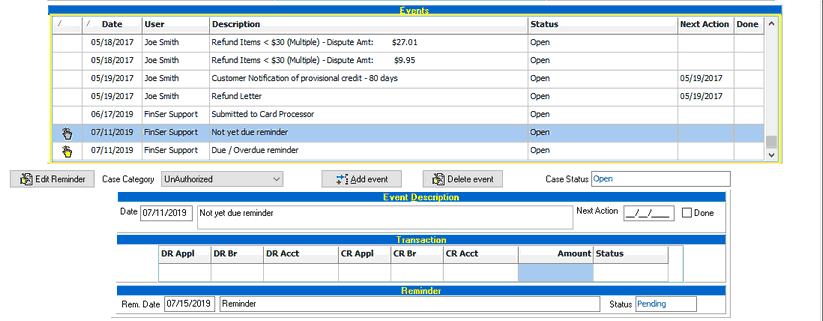
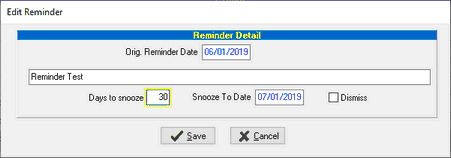
Reminders that are not yet due are show in the grey, those that are due or overdue are shown in color. If an event with a reminder is selected, the "Edit Reminder" button is enabled. This function allows the reminder to be delayed by "snoozing it" or it can be dismissed.
3. Optionally deleting pending reminders when closing a case
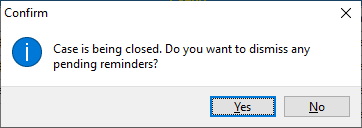
When a case is being closed but has pending reminders, a new prompt will be displayed to determine whether or not those pending reminders should be dismissed.