|
<< Click to Display Table of Contents >> Version 4.13 |
  
|
|
<< Click to Display Table of Contents >> Version 4.13 |
|
1. Report Find Dialogue box revised.
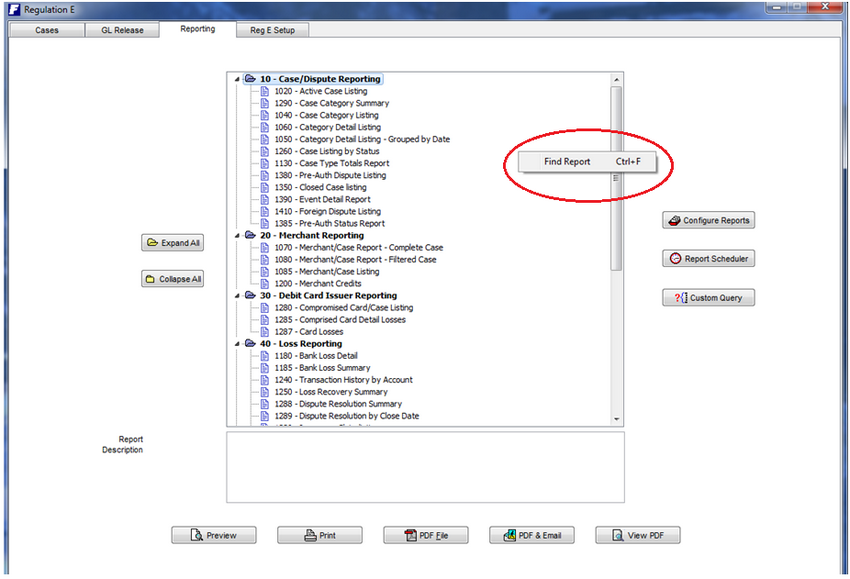
To search for a specific report either by report number or by description right-click your mouse within the reporting area.
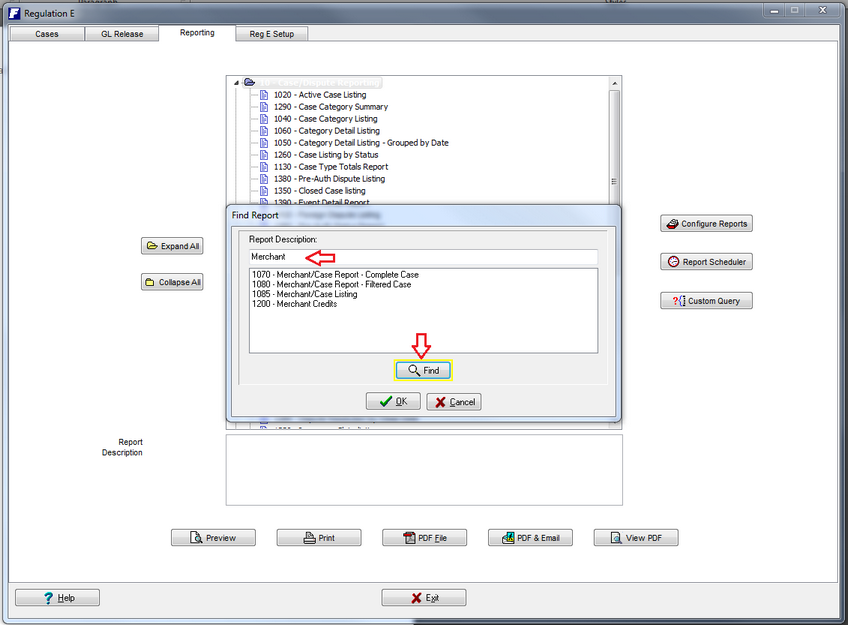
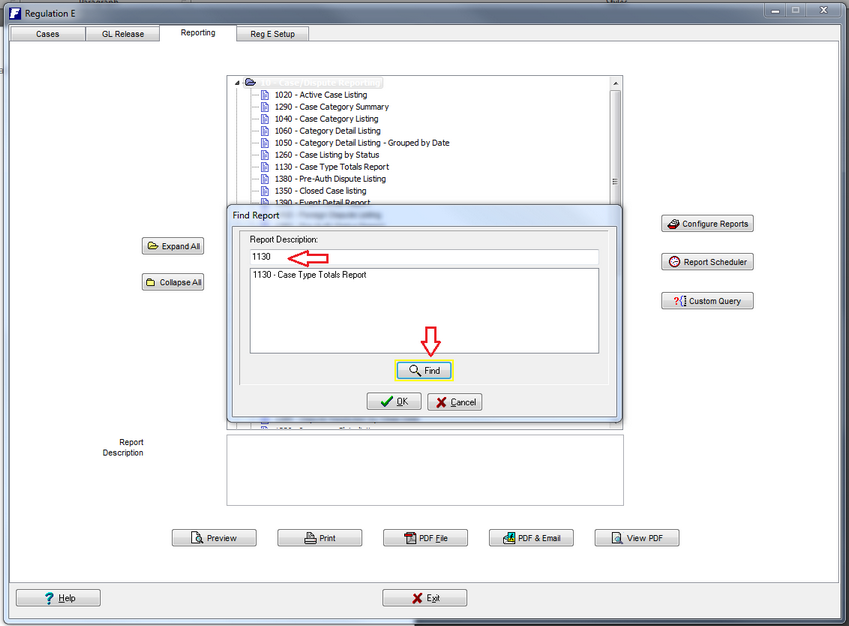
The Search field now support either part of the Report description or the Report ID without having to make a selection as to which identifier is being provided.
2. Eliminate Branch Users from Case Assignments
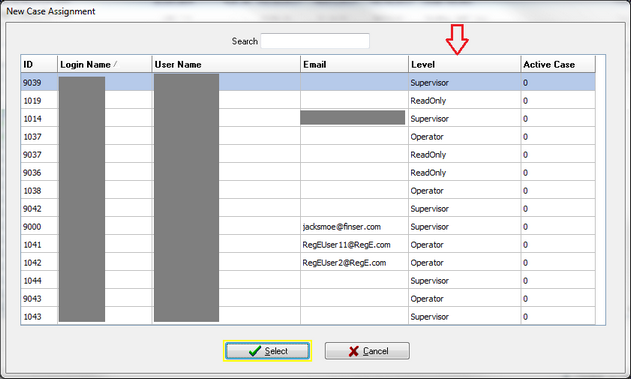
All Branch Users are required to be setup as valid users within the system to have access to the Branch Module. Make sure that all Branch Users are set up in Setup, under the Users tab as Branch users.
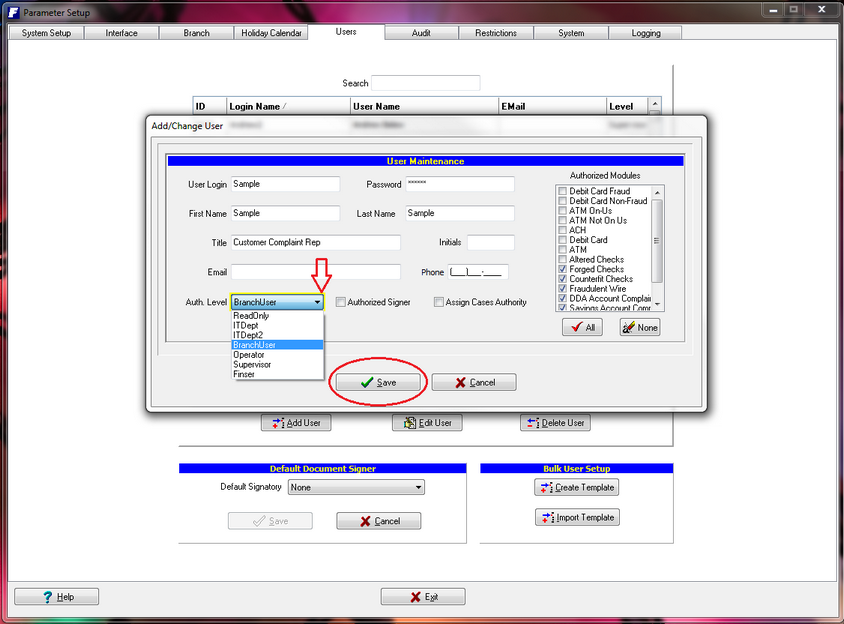
However, the Case Assignment function in the Back Office designates new Branch Cases to Back Office users. Therefore, Branch users do not need to be in the list of available users to select from. They are now being filtered out to make the list shorter.